Textmagic mobile app features
The Textmagic mobile app lets you manage SMS conversations from your phone while staying synced with the web app. You can send and receive SMS, reply to customers, and manage your contacts and lists on the go.
Download the Textmagic mobile app for iOS or Android for free.
Important to know:
- The mobile app focuses on SMS messaging and contact management. For the full Textmagic feature set, use the mobile-friendly web app.
- You cannot purchase SMS credit through the mobile app.
- You cannot import contacts through the mobile app.
Advanced features are available only in the web app:
- Shared inbox
- Email campaigns
- Tasks
- Deals
- Automation flows
- Advanced reporting
- Billing and purchasing SMS credit
Mobile app features
With the Textmagic mobile app, you can:
- Send and receive SMS messages.
- Reply to customers and monitor conversations on the go.
- Send messages to individual contacts or contact lists.
- Schedule SMS messages.
- Manage contacts and lists.
- Use custom fields to personalize SMS messages.
- Manage sender and notification settings.
Your contacts and lists are synced with the Textmagic web app, so you can access the same contact information from your phone and computer.
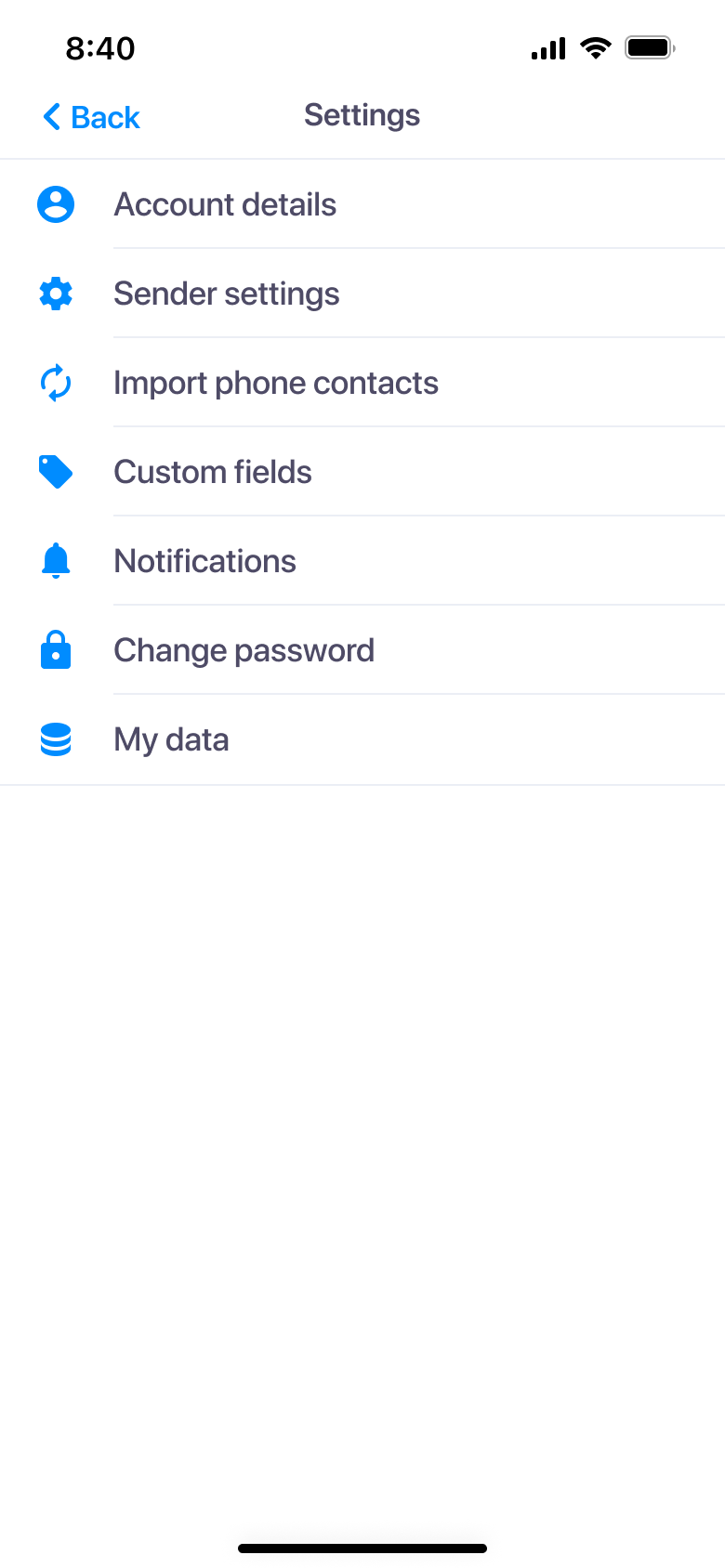
Mobile app settings overview
The Textmagic mobile app Settings page allows you to:
- Update your account details.
- Manage sender settings.
- Add custom fields for personalized messages.
- Manage notifications.
- Change your password.
- Manage blocked lists.
- Manage your data.