
Textmagic help center
Get the help you need with our comprehensive business texting support center
What’s new at Textmagic?
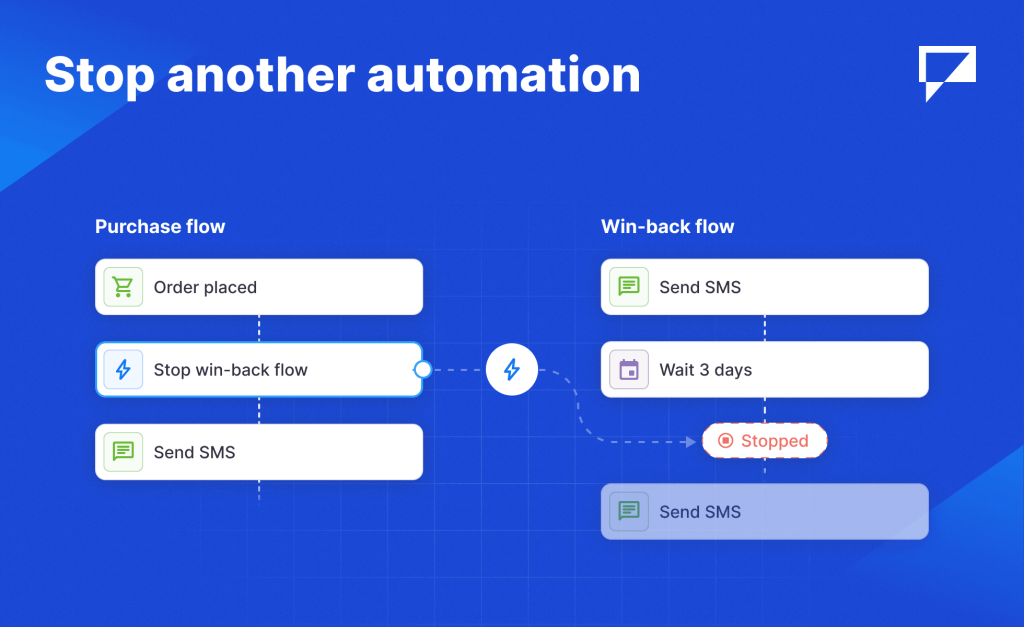
Remove one contact from a flow, or use the new “Stop another automation” action to end one flow when another takes over, like a win-back flow stopping after a purchase.
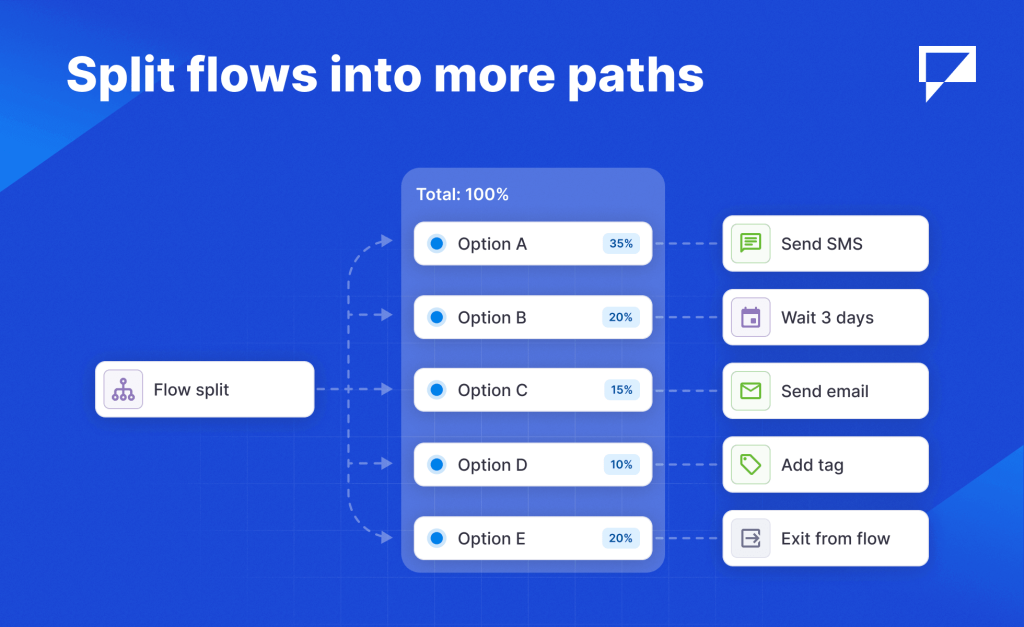
Test more than two versions at once, or send different groups down different paths. Add as many branches as you need and the percentages always add up to 100% for you.
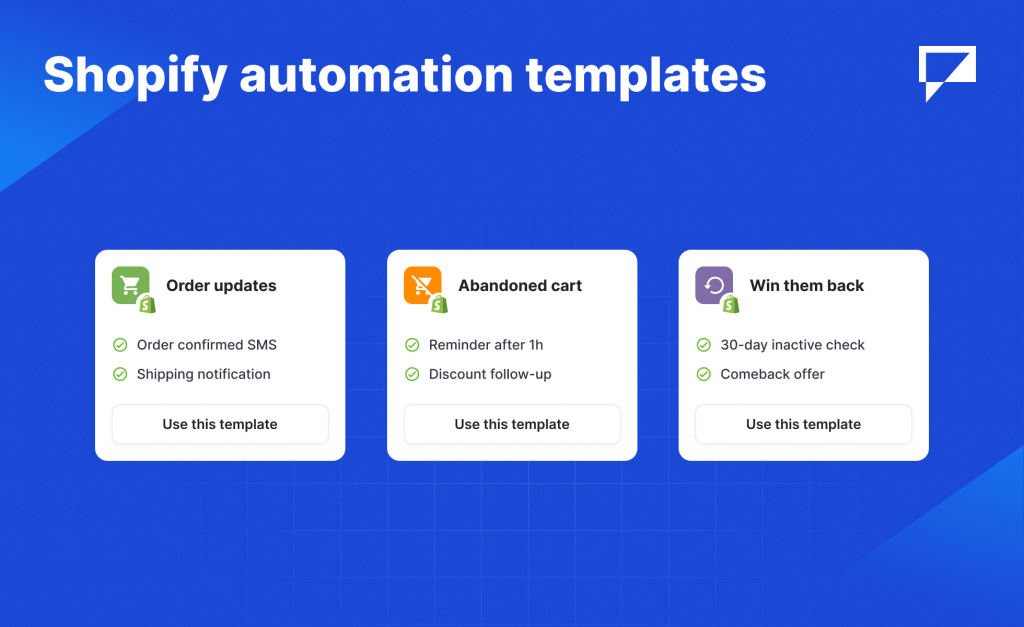
Skip the build. Pre-built templates cover order confirmations, abandoned checkouts, and post-purchase follow-ups. Connect your store and your flow is ready to go.
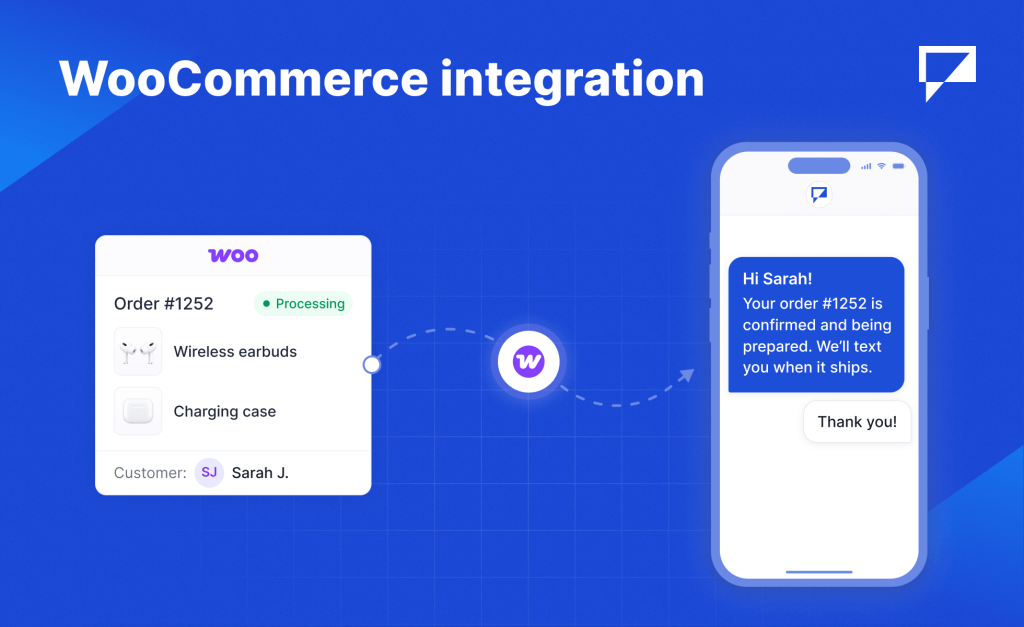
Import your WooCommerce customers into Textmagic automatically. New orders kick off your automations, and a guided setup matches up every field for you, so you’re sending messages in minutes.
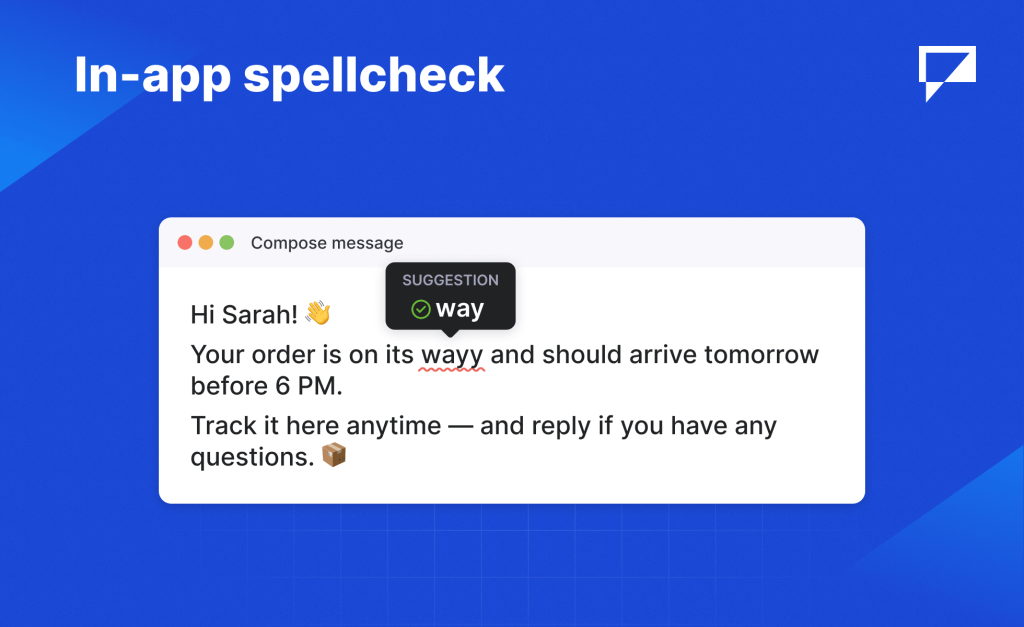
Your browser’s built-in spellcheck now runs across every text field. Typos get underlined as you type, right-click to fix. A small thing that saves you from big mistakes on the fly.
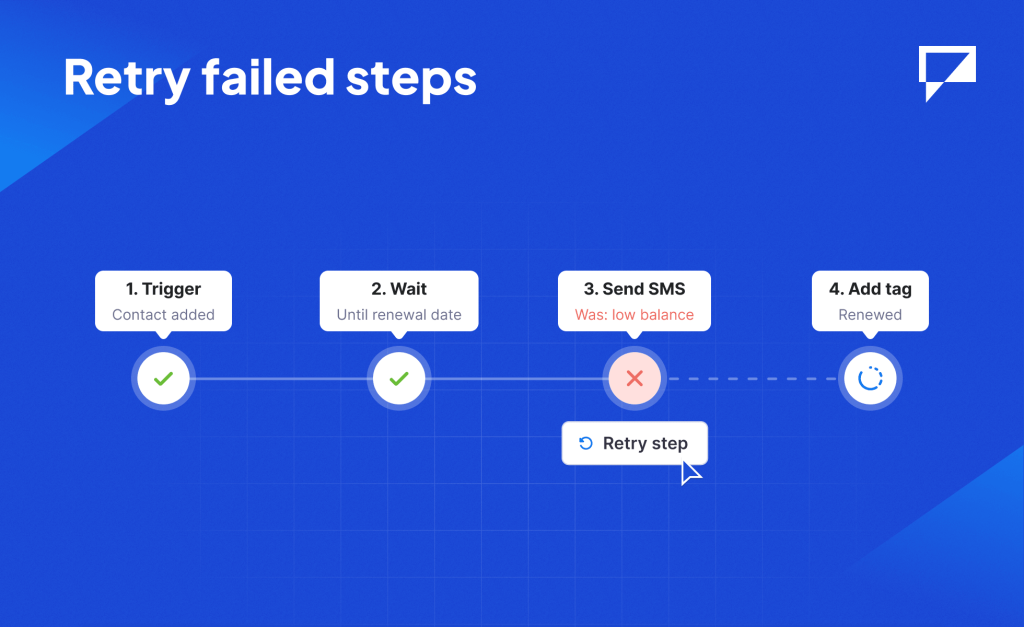
If a step fails – low balance, config error, anything – fix the issue and rerun it straight from your logs. Customer journeys stay on track without rebuilding anything from scratch.
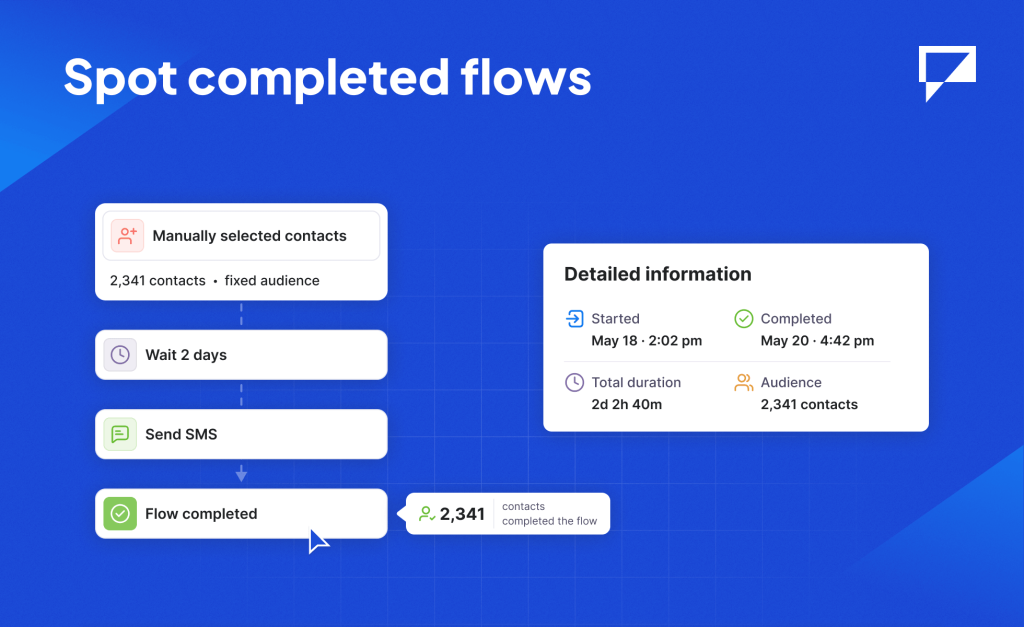
Flows with manually selected contacts are now marked as “Completed” once every contact has gone through. No more guessing whether a flow is still running or just sitting idle.

Turn store activity into automated SMS and email flows: order confirmations, cart reminders, delivery notifications, and more. Set it up once, and your store handles customer messaging on its own.
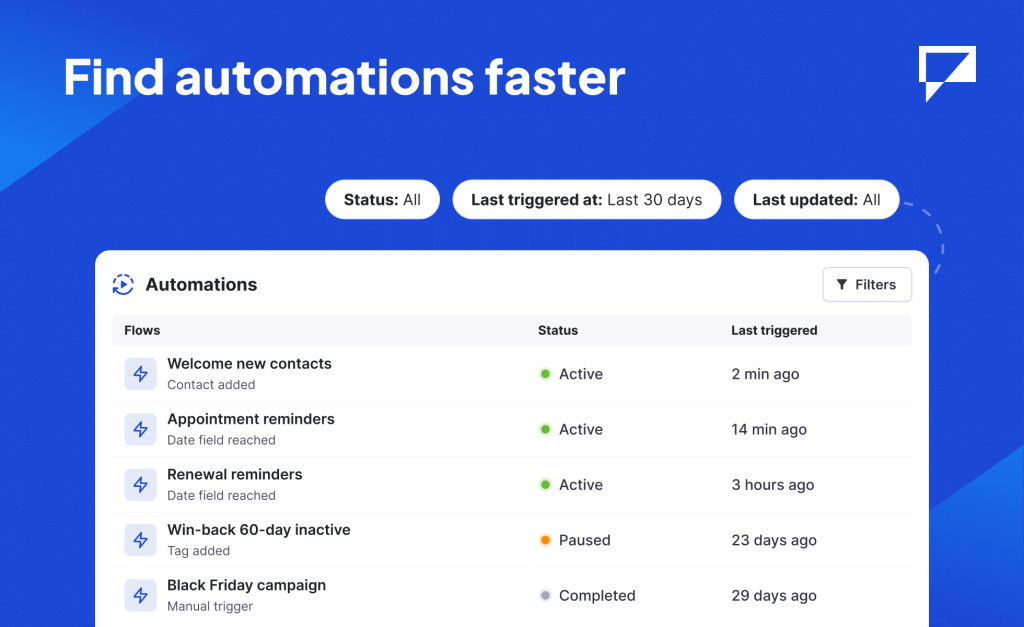
Sort by last triggered date and filter by what matters to you. Useful when you’re managing many flows and need to spot what’s active, inactive, or due for a review.
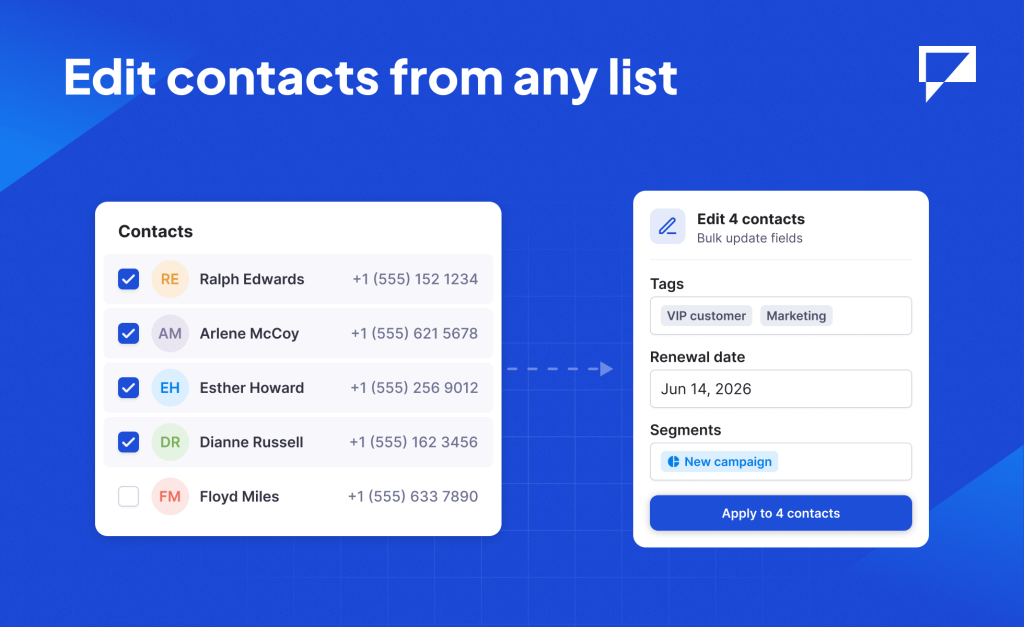
More contact fields are now editable in one go. You can do it directly from any list or segment view, not just “All contacts” page. Update more contacts at once, right where you’re already working.